
Creating a Webhook
Create a new webhook and subscribe to events from the PayMongo Dashboard
Overview
Create a webhook from your account's Webhooks Module to start receiving event notifications at your endpoint.
Creating a Webhook
-
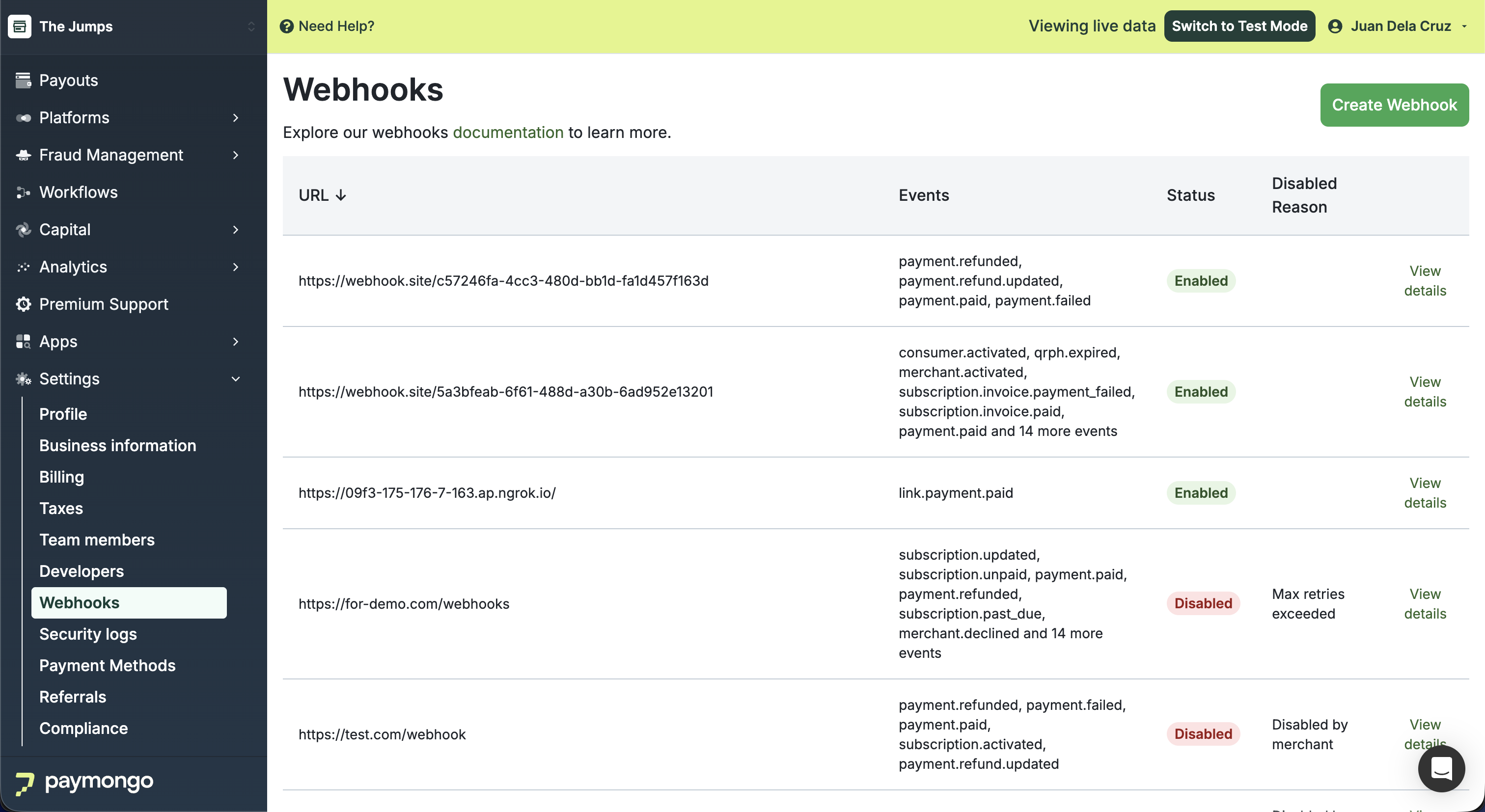
In the Webhooks module, click 'Create Webhook'.
-
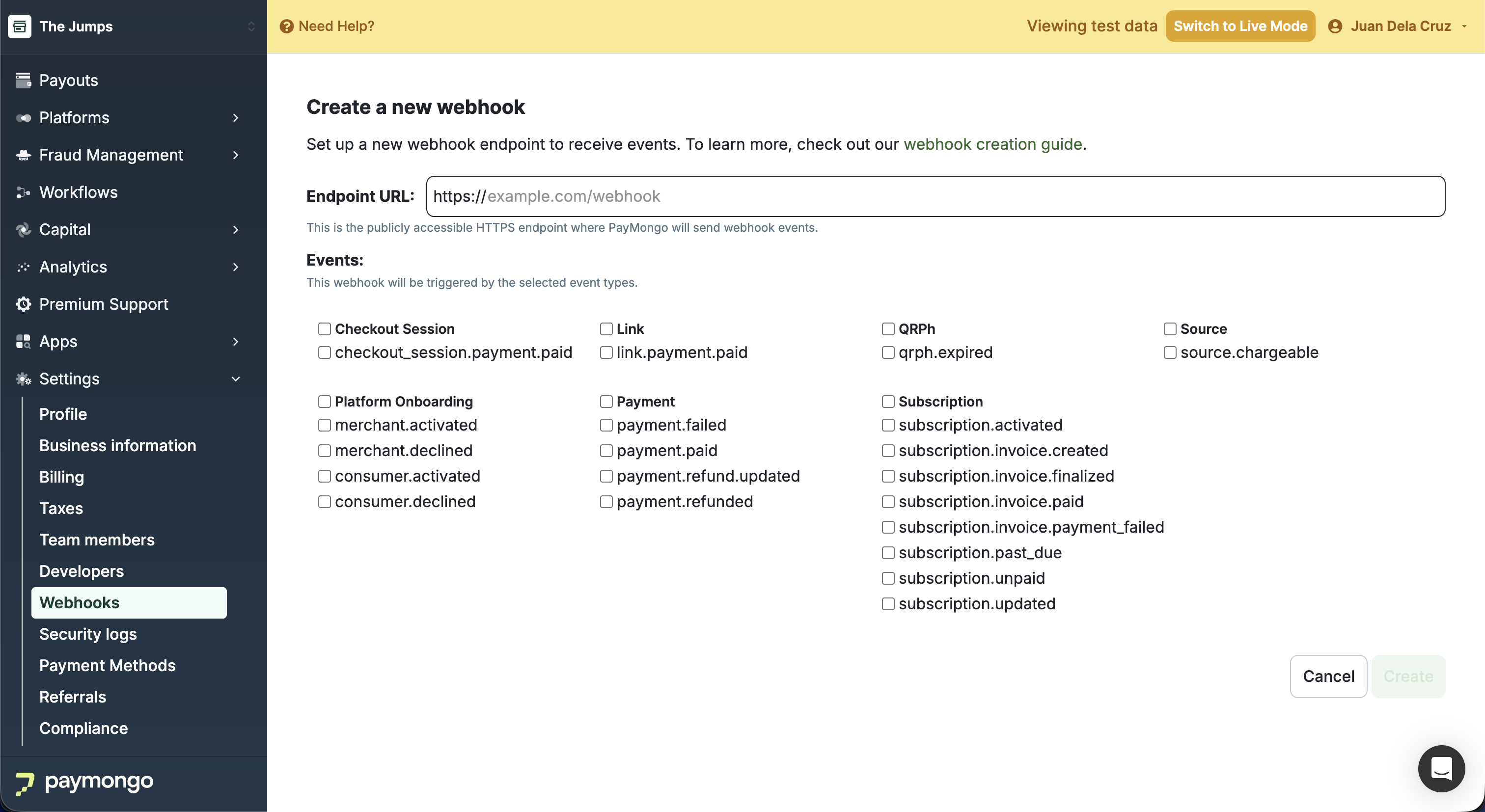
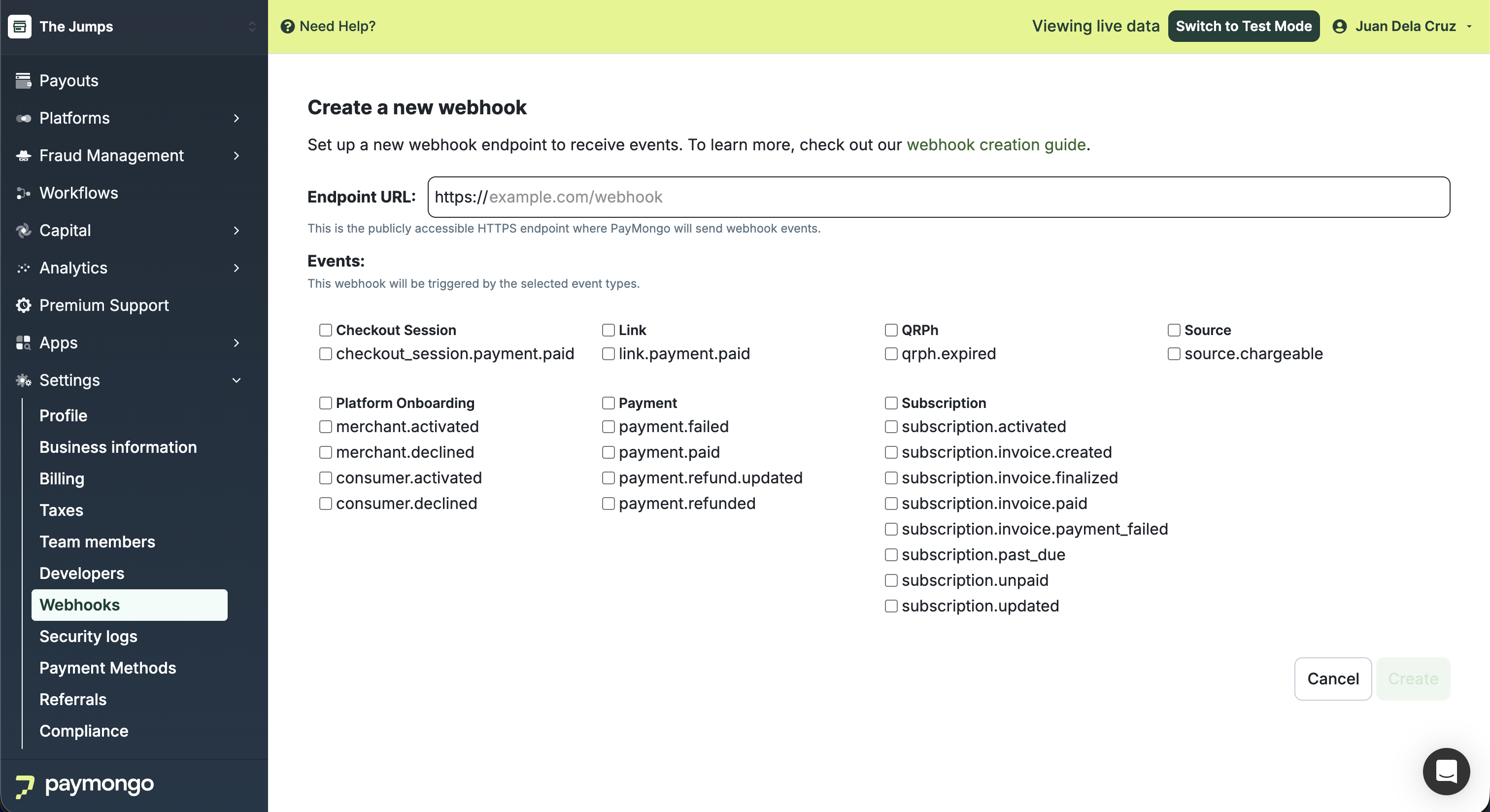
At the top bar beside your account name, toggle between Live Mode and Test Mode depending on your use case.
Test Mode Visual
Live Mode Visual
-
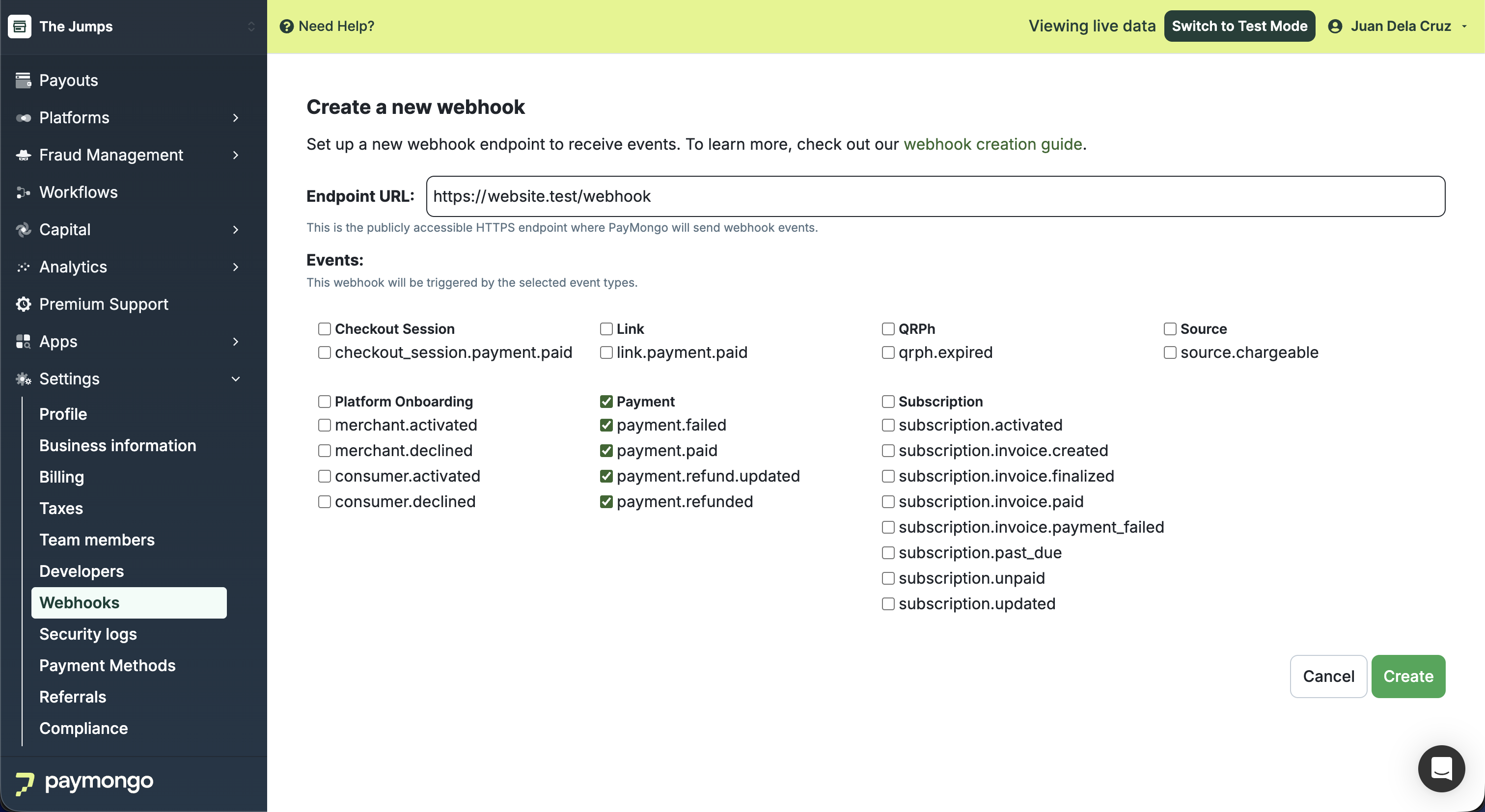
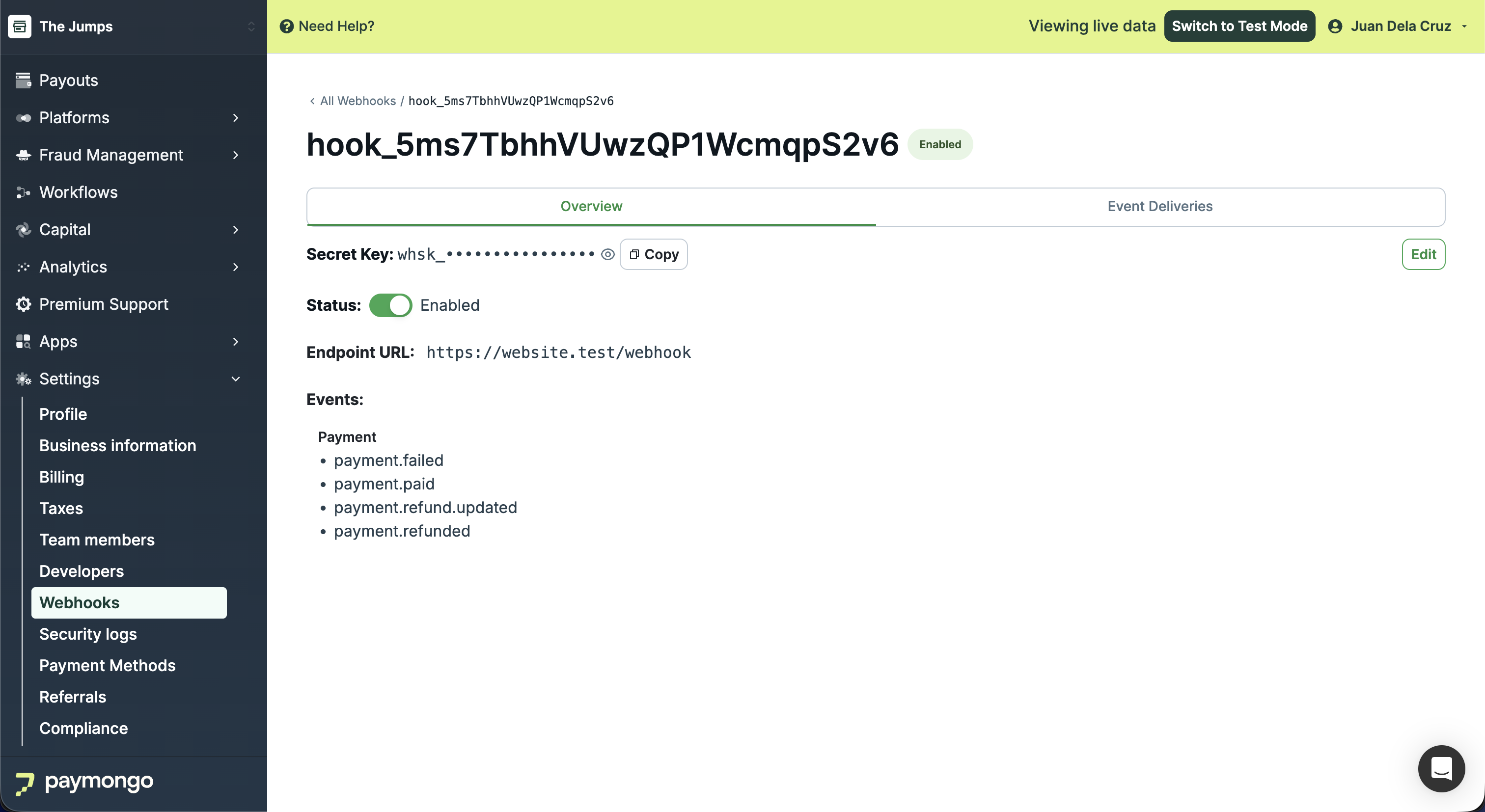
Enter your URL endpoint and select the events you want to subscribe to.
-
Click 'Create'. Your webhook will be successfully created.
Updated about 1 month ago