
Disabling a Webhook
Learn how to disable an existing webhook through your Webhooks Module
Overview
Disable a webhook you no longer need from the Webhooks Module in your PayMongo Dashboard.
Disabling a Webhook
Pending Processes subject to FailureAll pending webhook processes will automatically fail upon disabling the webhook
-
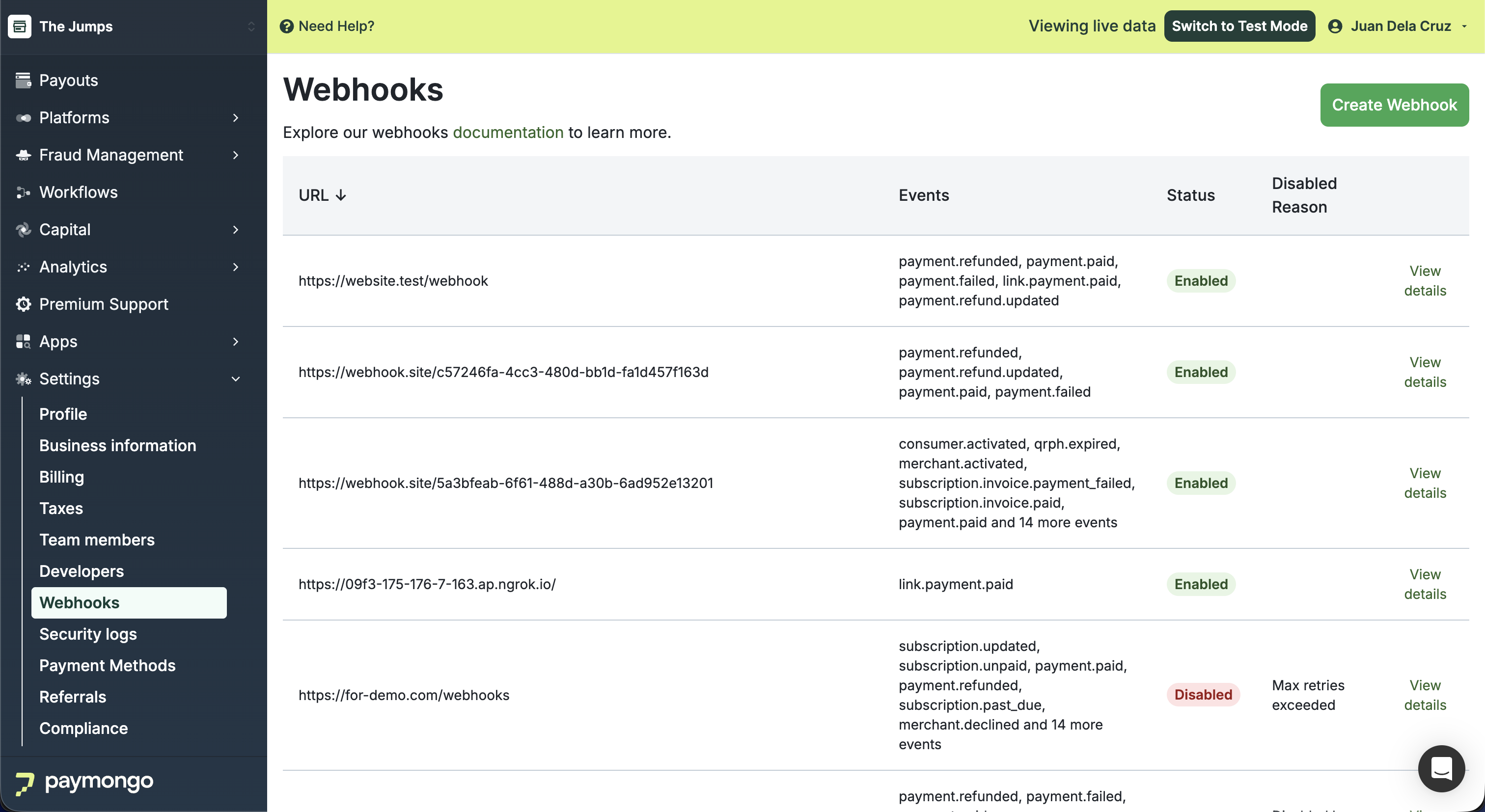
At the top bar beside your account name, ensure you're in the correct Live or Test Mode.
-
In the Webhooks module, locate the webhook you want to update and click 'View details'.
-
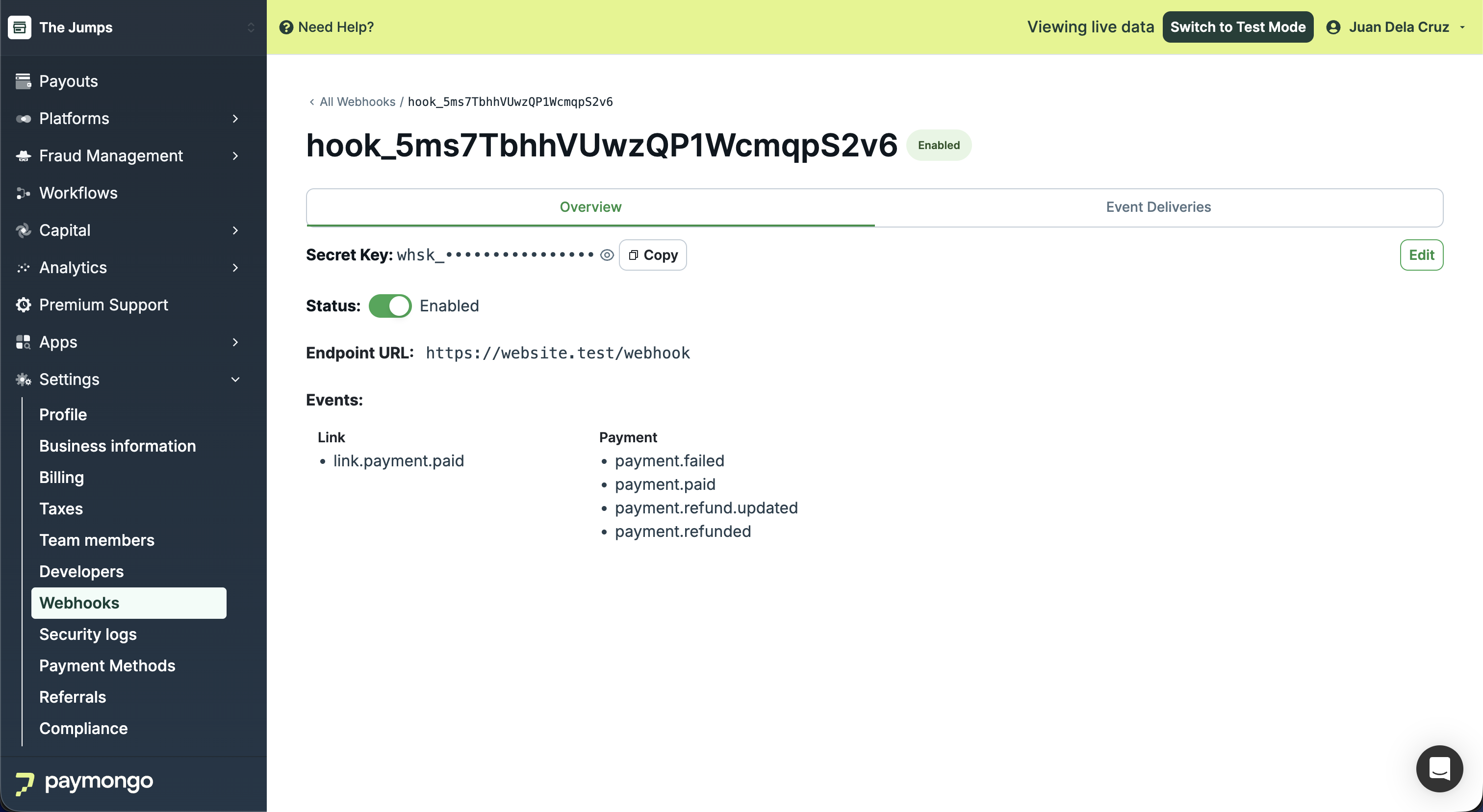
Once you've located the webhook, toggle the Status switch of the enabled webhook.
-
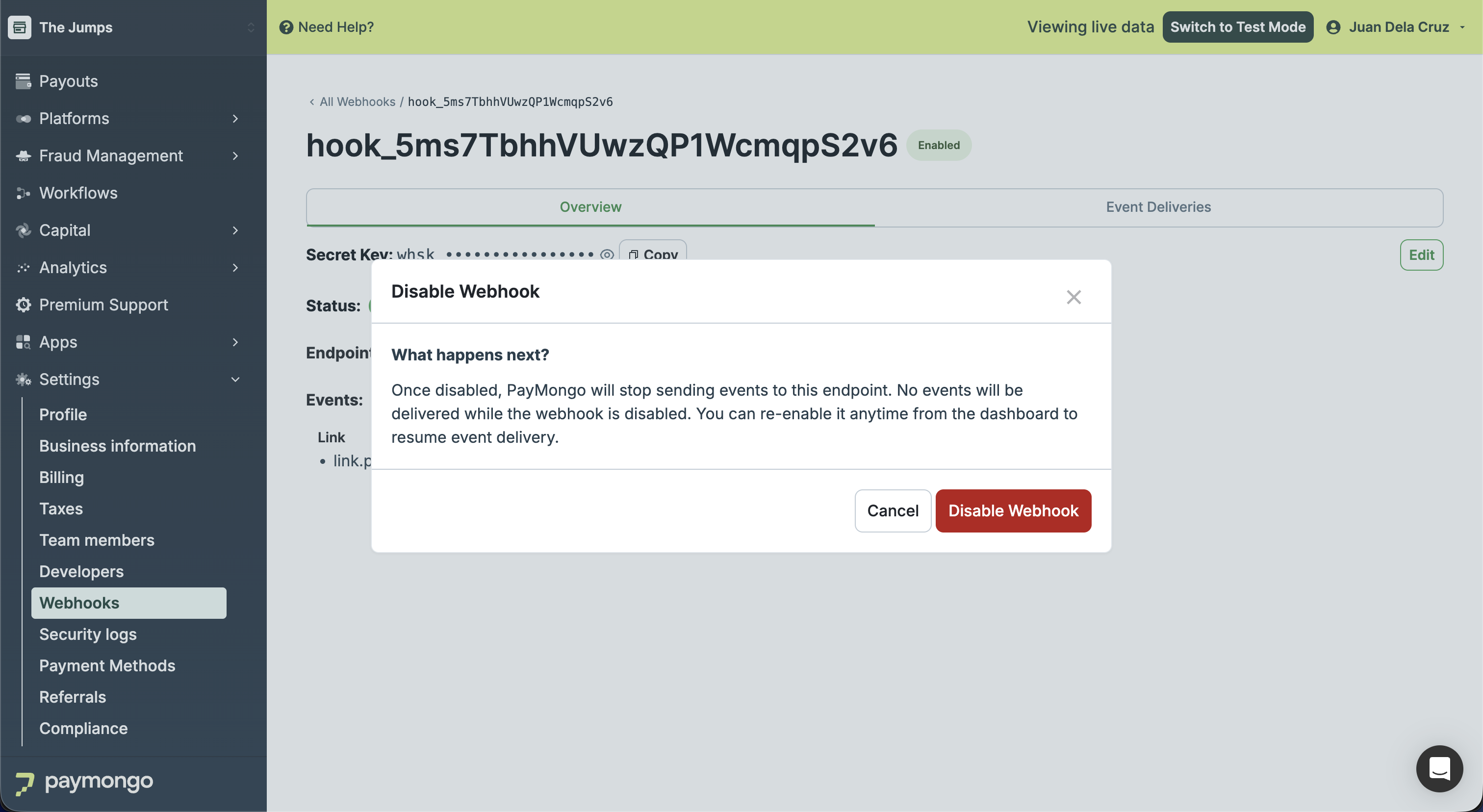
In the confirmation modal, click 'Disable Webhook' to proceed.
-
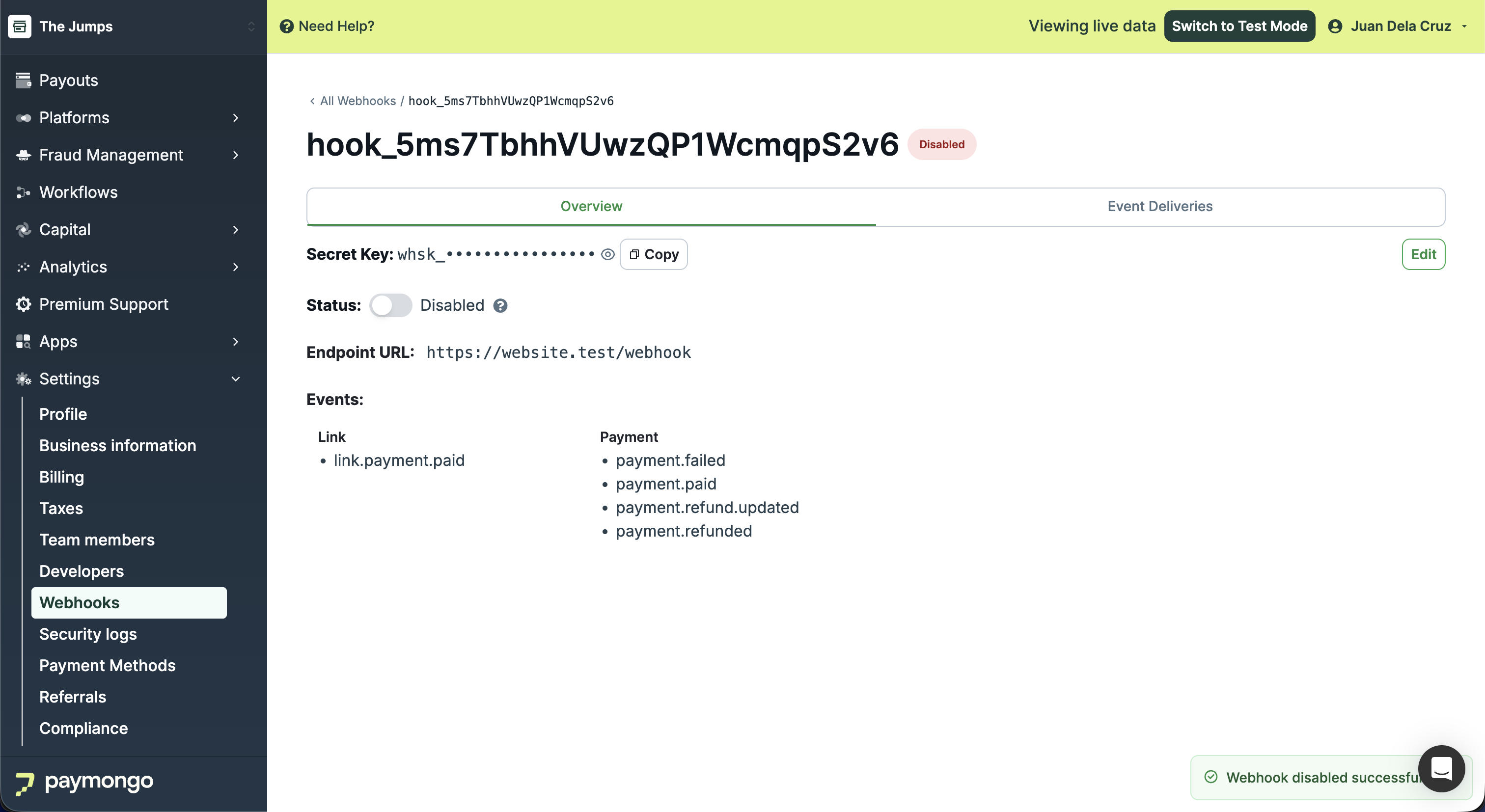
A success message will appear indicating the webhook has been disabled.
Updated about 1 month ago