
Enabling a Webhook
Re-enable a disabled webhook to resume receiving events from the PayMongo Dashboard
Overview
Enable an existing webhook for reuse in your PayMongo Dashboard via the Webhooks module.
Enabling a Webhook
-
At the top bar beside your account name, ensure you're in the correct Live or Test Mode.
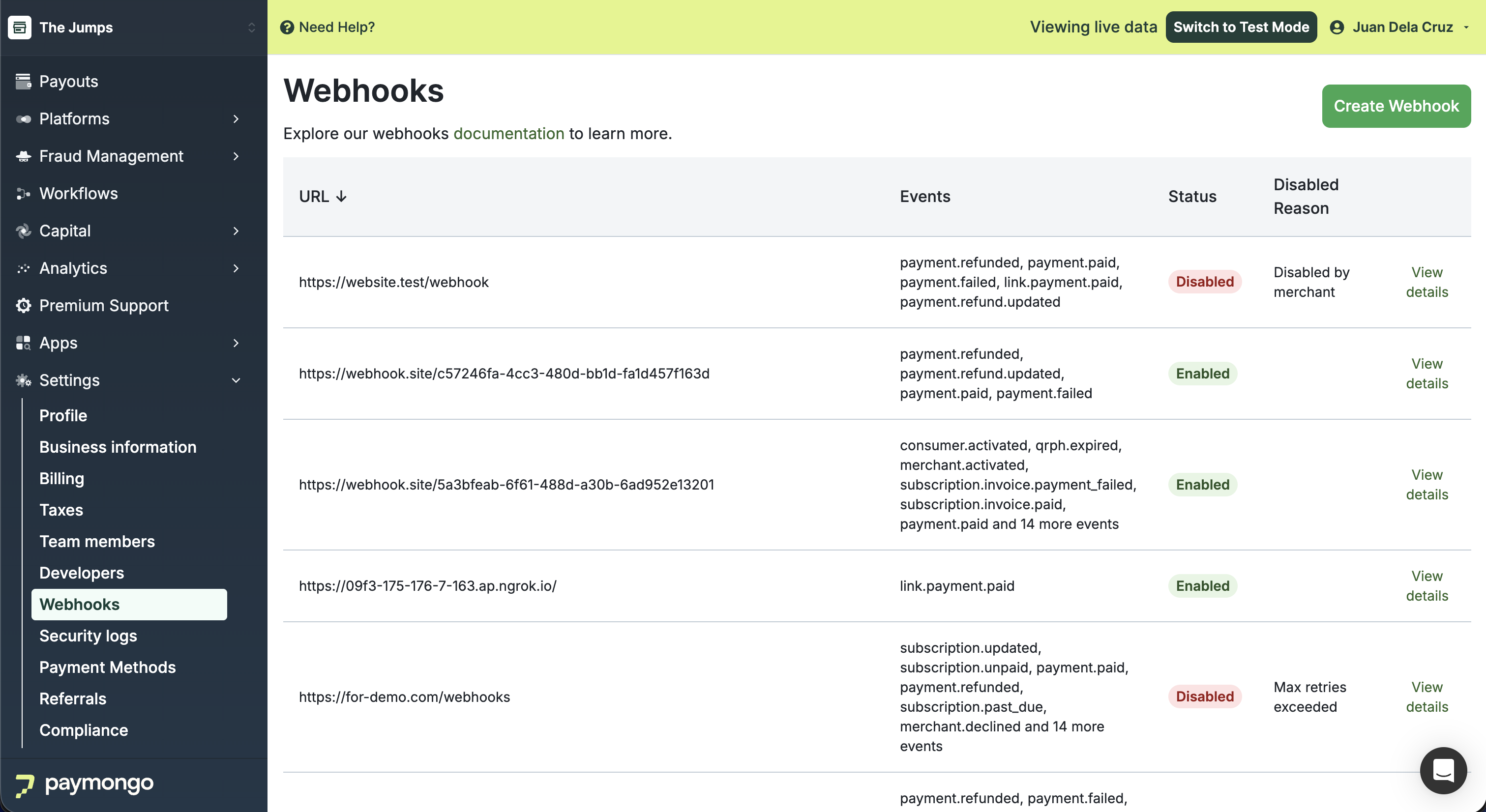
-
Once you've located the webhook, toggle the 'Status' switch of the disabled webhook.
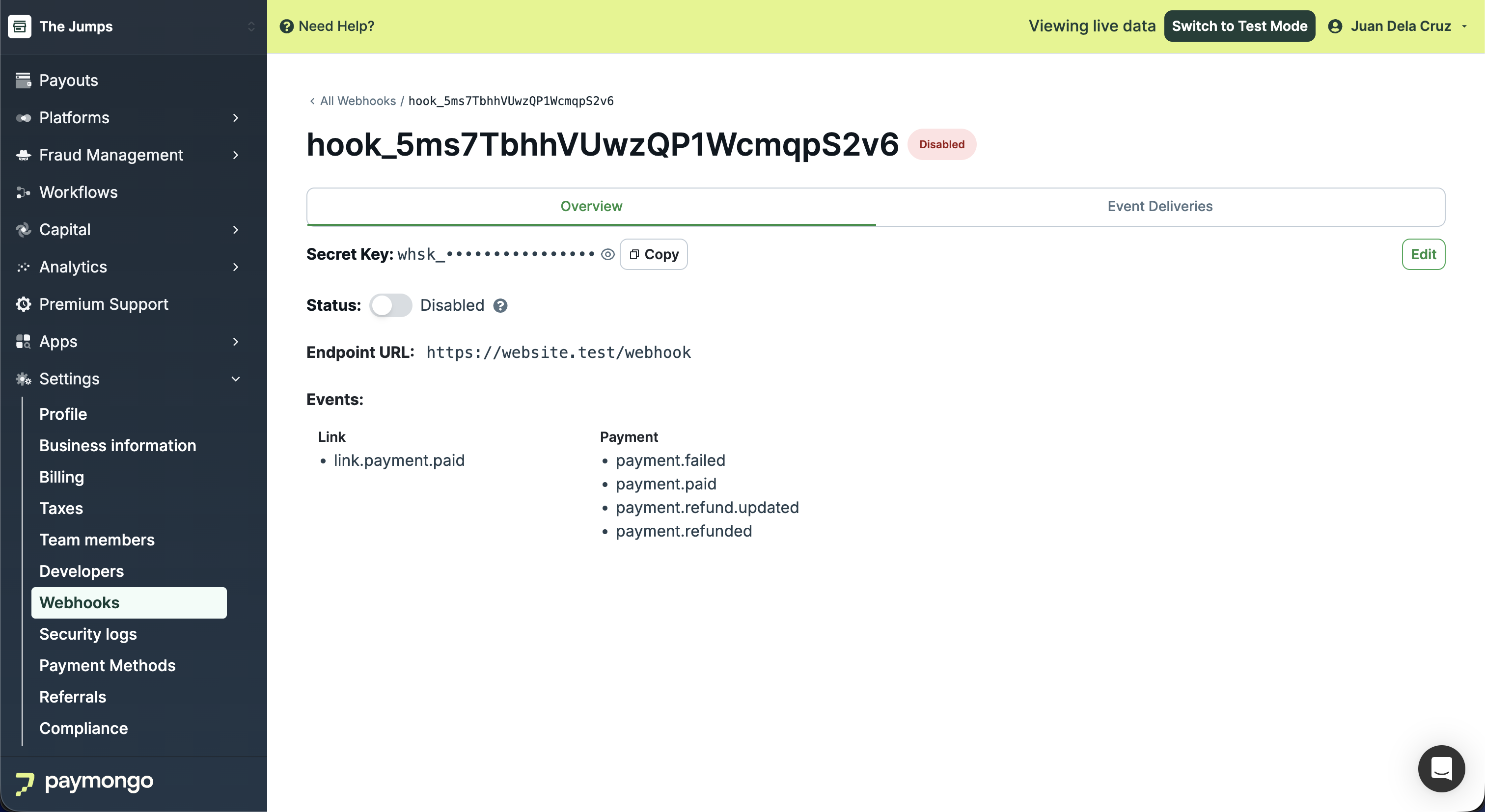
-
In the confirmation modal, click 'Enable Webhook' to proceed.
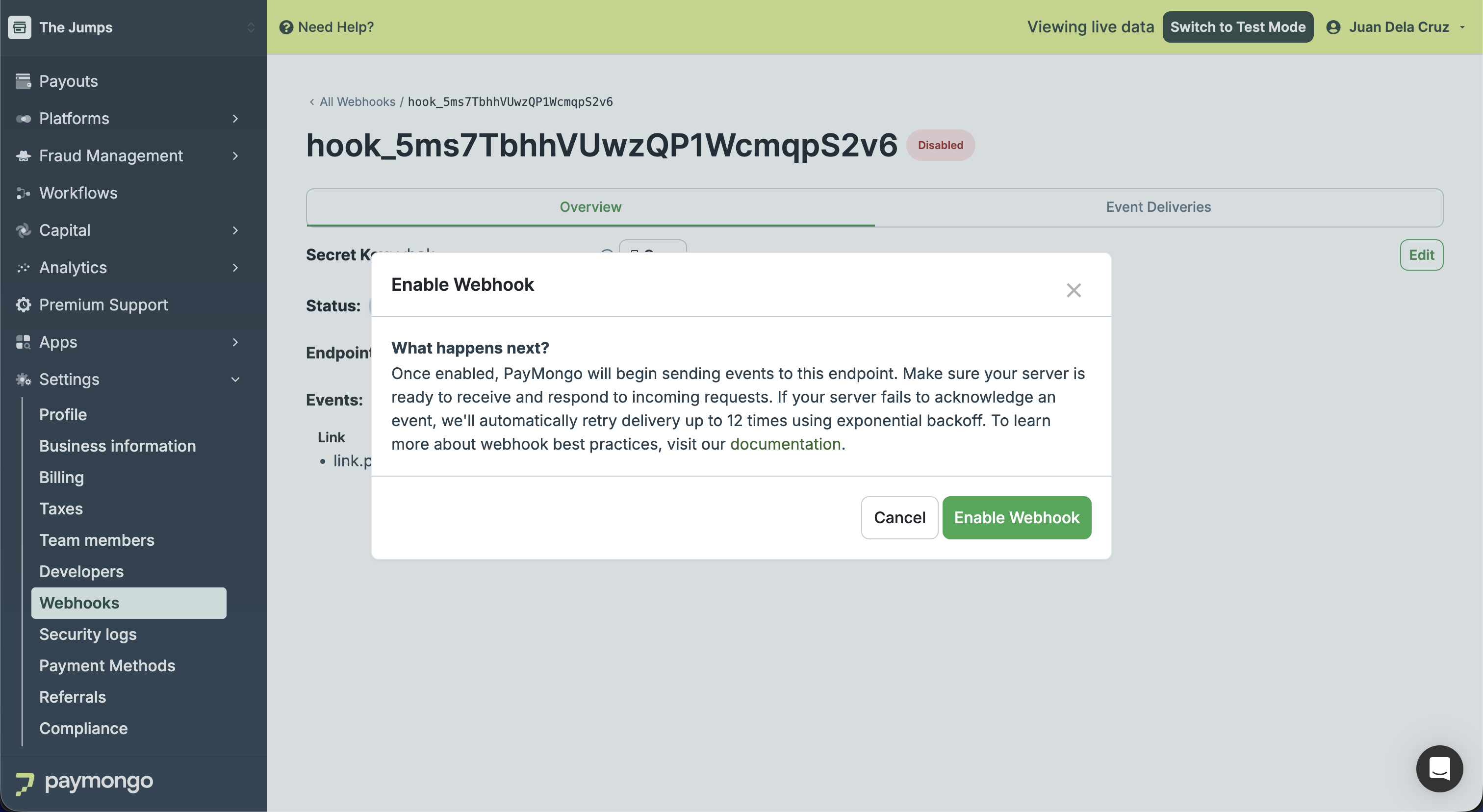
-
A success message will appear indicating the webhook has been enabled.
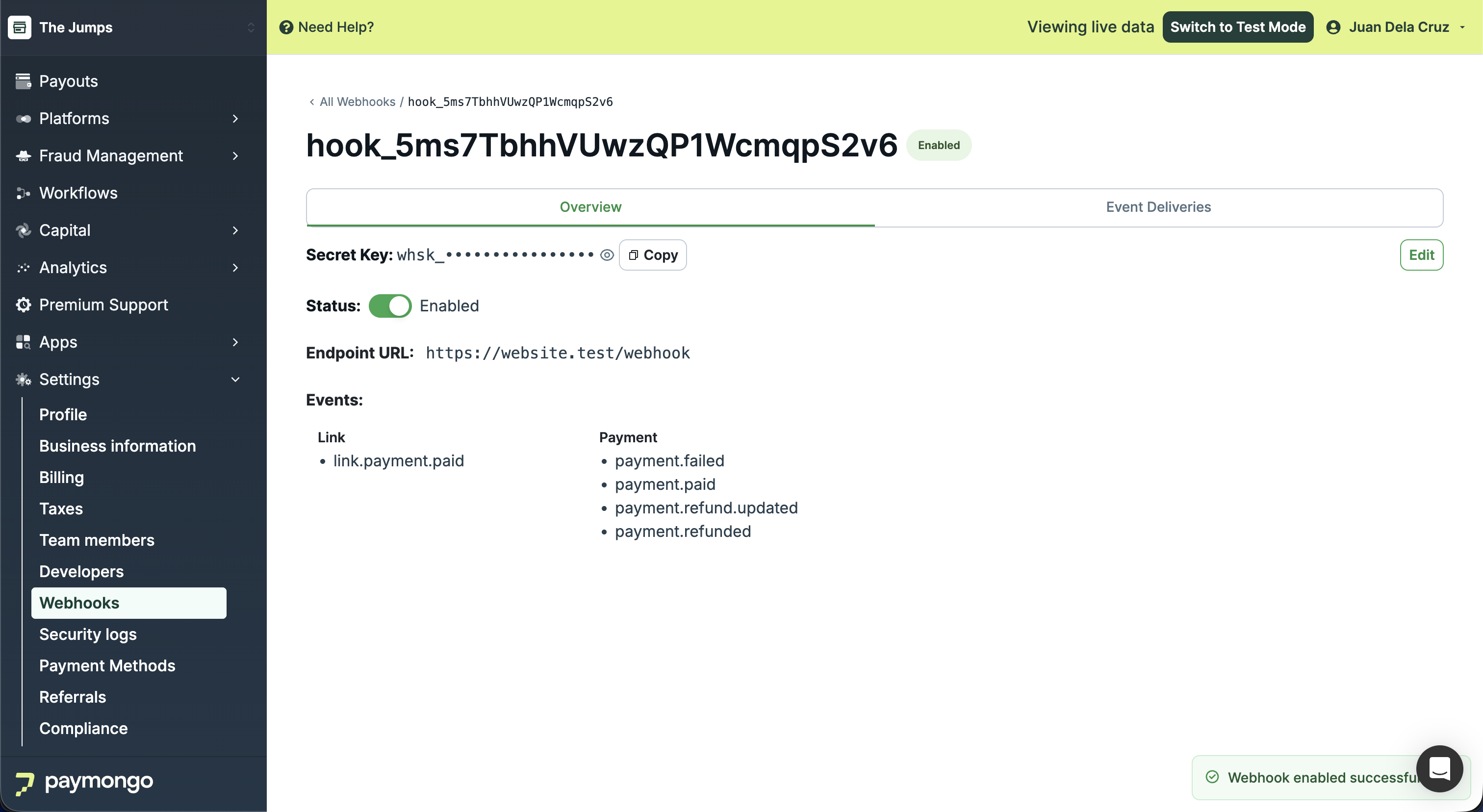
Updated about 1 month ago