
Wallet Type
Steps to Sign-up and eventually upgrade your PayMongo account to unlock the potential of accepting and managing payments
Understanding your PayMongo Wallet and what it can do is the first step toward growing your business.
PayMongo Wallets come in different types, each with specific balance and transaction limits to suit varying business needs. Your wallet type is determined during your account setup and verification.
Identify your PayMongo Wallet Type
In case you're unfamiliar with the terms, here's a quick link to our Terminologies
- You'll be able to identify your type of PayMongo Wallet by navigating to the Wallets side panel.
Closed-loop Wallet
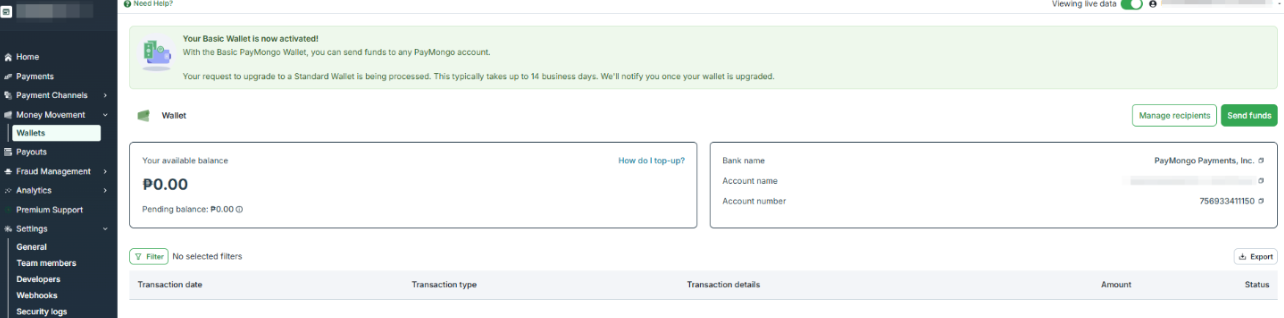
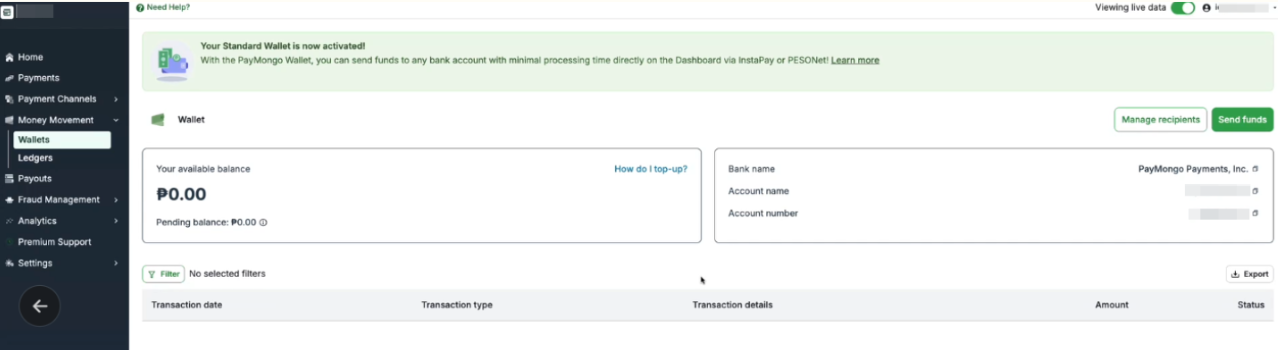
Enabled Wallet
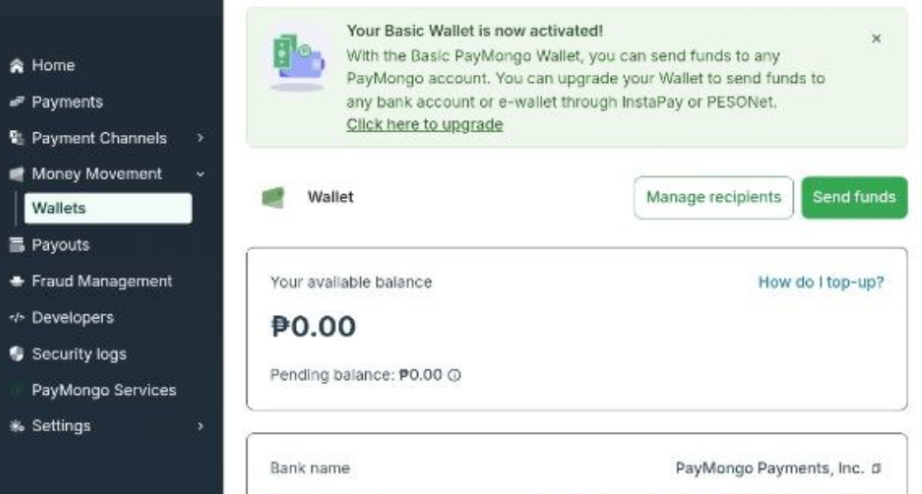
Upgrading from Closed-loop to to Enabled Wallet
- Login to your PayMongo account.
- Navigate to the Wallets section under Money movement and select Click here to upgrade.
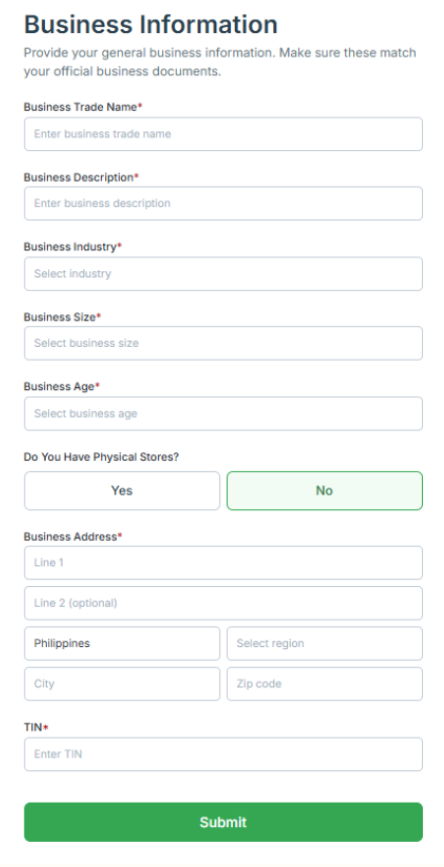
- Fill in the requested details in the following pages.
- You'll be rerouted to your PayMongo Dashboard.
Wallet Upgrade Progress
You’ll know the status of your Wallet application by navigating back to the Wallets tab
Closed-loop Wallet
- If the first submission of Liveness Check failed or did not pass thresholds, you’ll be provisioned with a Closed-loop Wallet while waiting for the manual review of your wallet upgrade submission. This typically takes 1-3 business days.
- You’ll still be able to accept QRPH payments, top-up, and send to other PayMongo Wallet.

Enabled Wallet
- If the first submission of Liveness Check passed, you’ll automatically have an Enabled wallet.

Re-verify
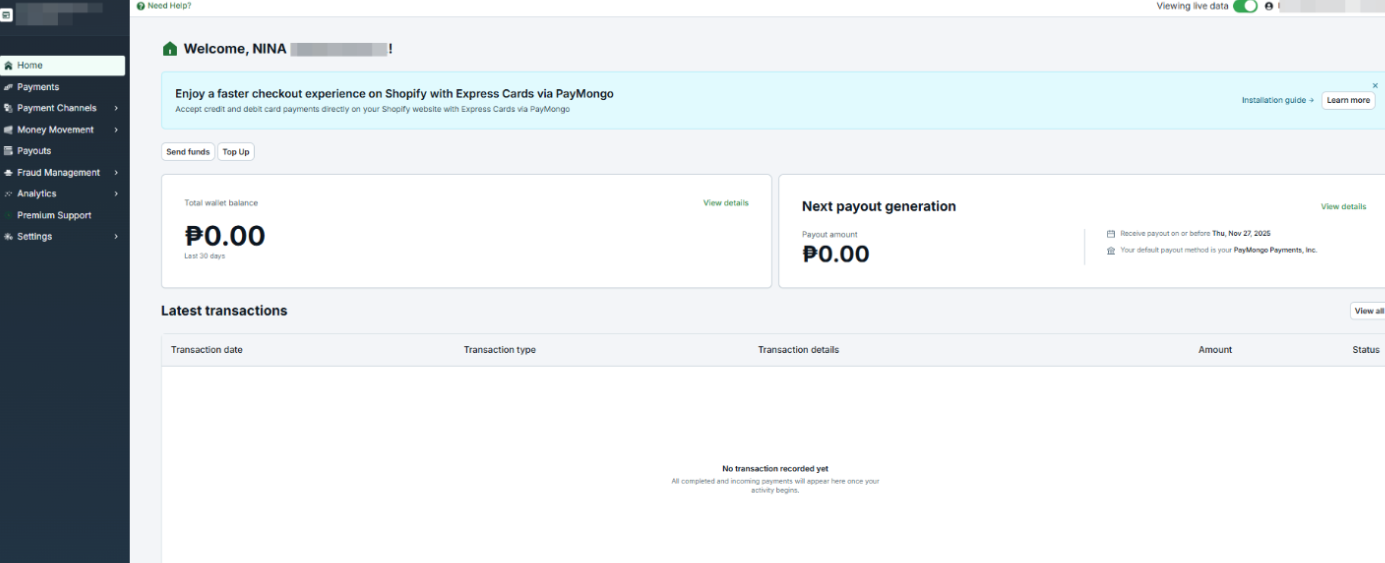
In the case your Liveness Check failed and needs to be performed again, you’ll see this banner in your PayMongo home page. Please make sure to perform it again in order to unlock your PayMongo Enabled Wallet.

Account Review Period
Our Onboarding Team will review your submission within 3-5 business days after all required information are received.
Account Review Status NotificationYou’ll receive an email once your account is approved and upgraded to the requested Business Type Account, or if there are clarifications or missing documents.
Updated 30 days ago