
Updating a Webhook
Learn how to update an existing webhook with your preferred specifications
Overview
Update an existing webhook's URL or subscribed events from the Webhooks Module in your PayMongo Dashboard.
Updating a Webhook
-
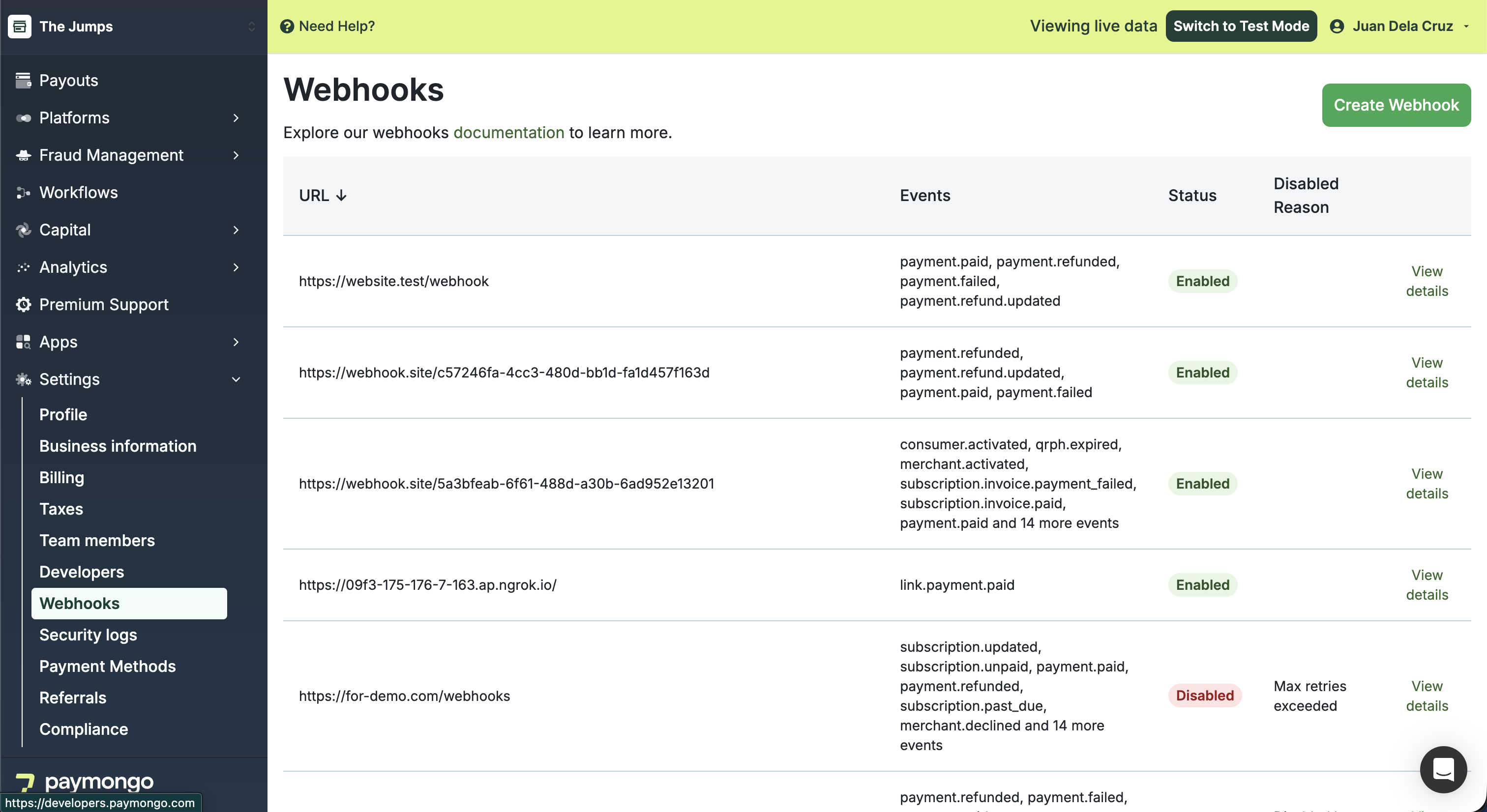
At the top bar beside your account name, ensure you're in the correct Live or Test Mode.
-
In the Webhooks module, locate the webhook you want to update and click View details.
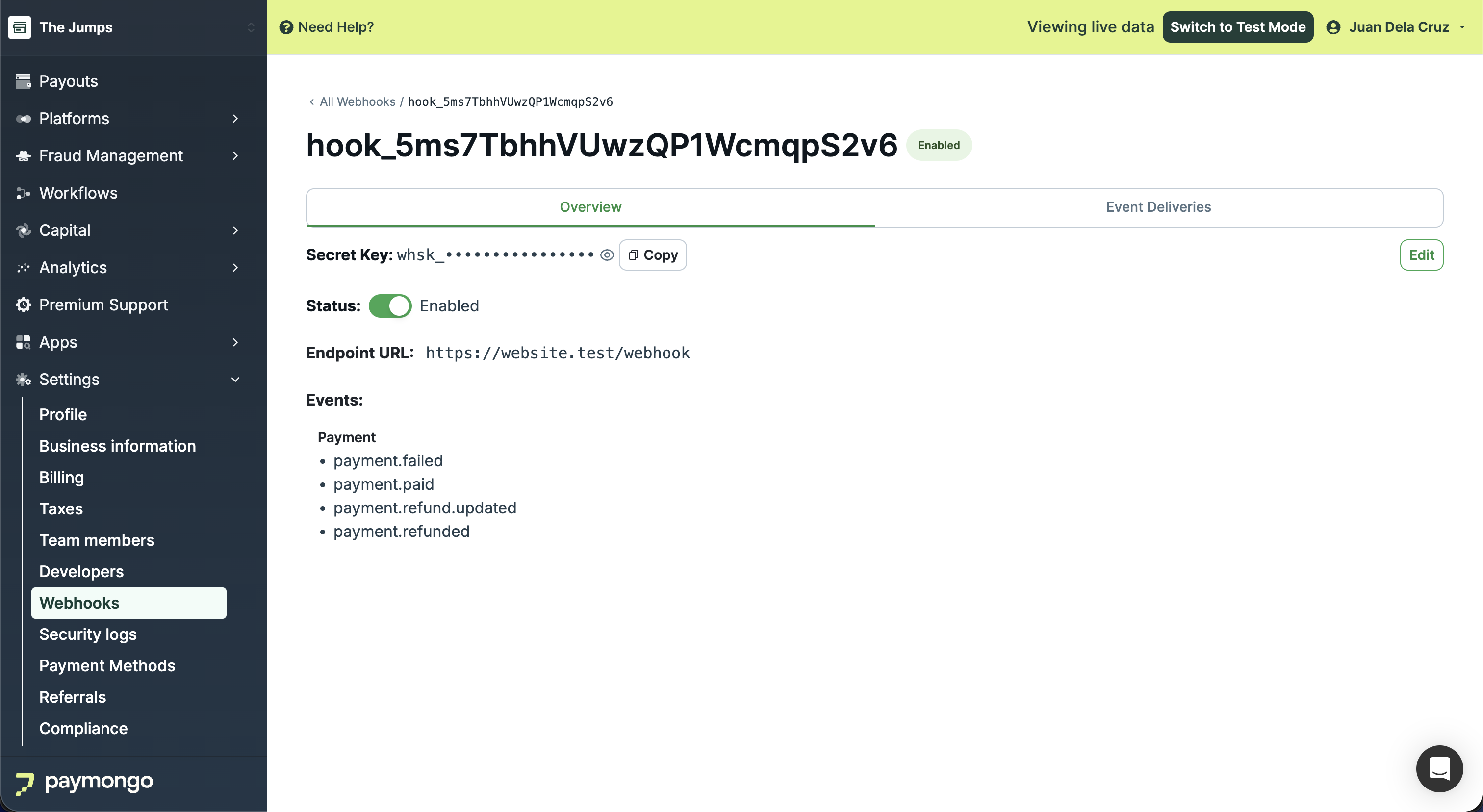
-
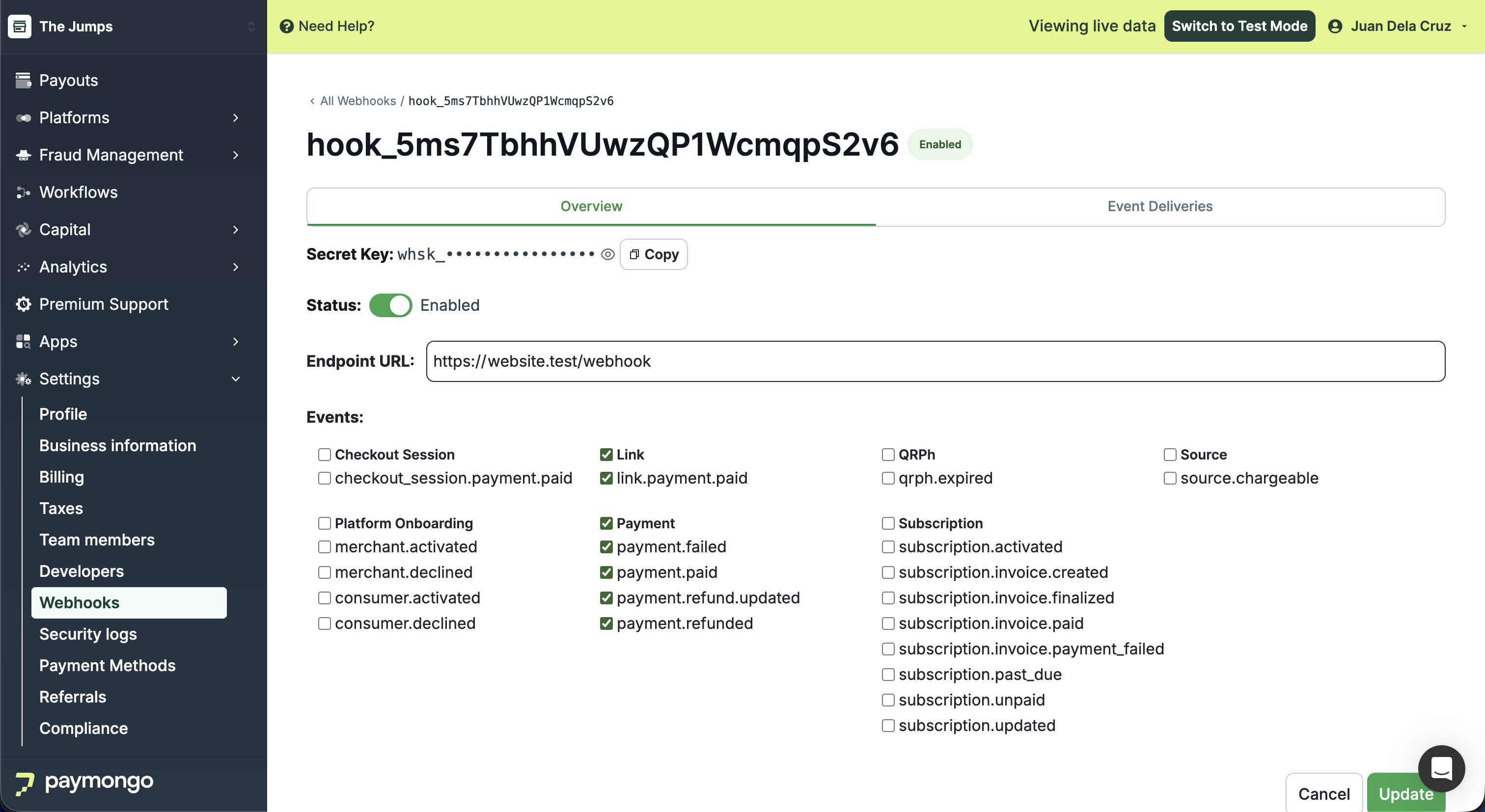
Click 'Edit' beside the Secret Key to make changes. Modify the URL or adjust the subscribed events as needed.
-
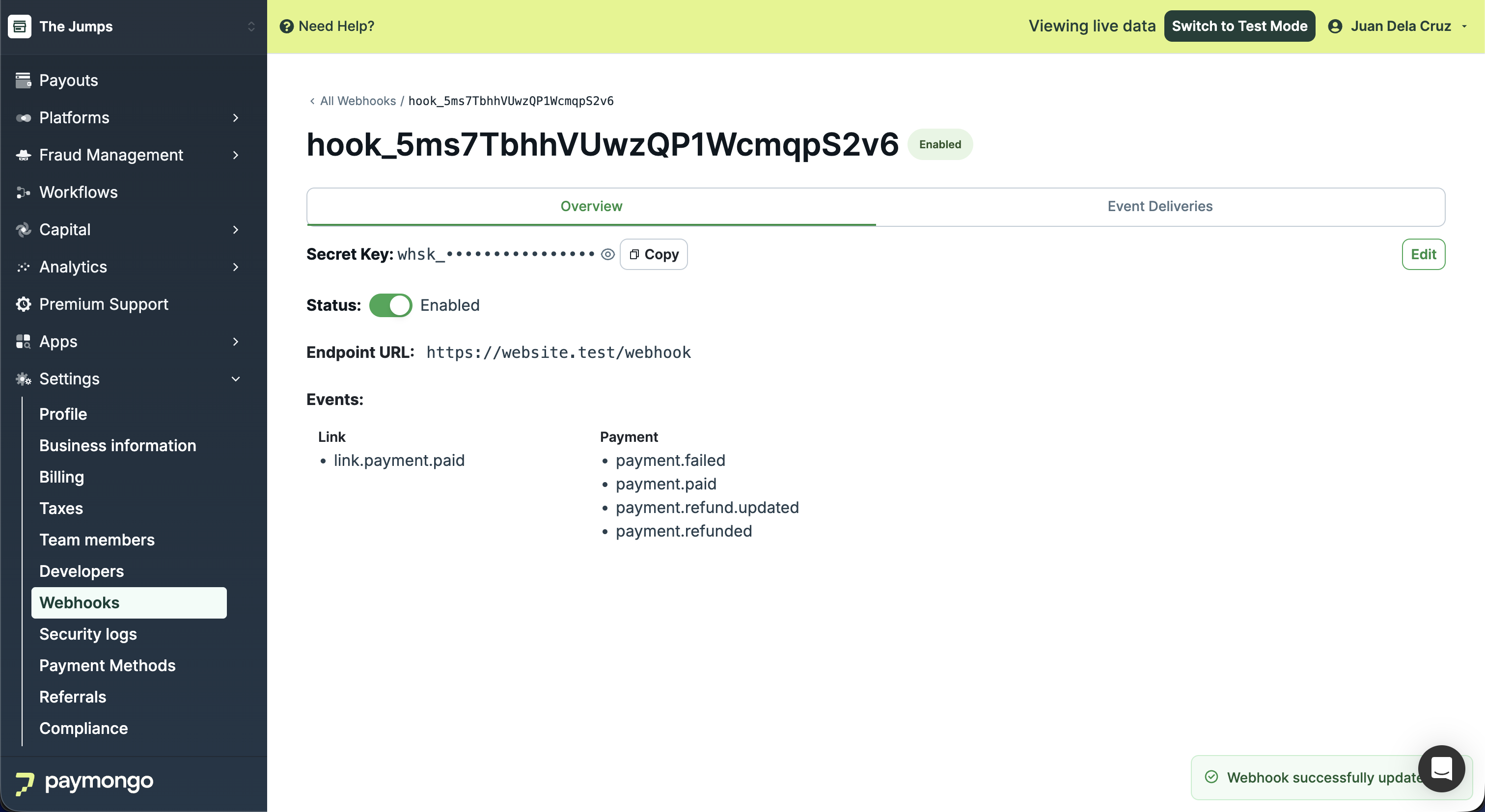
Click 'Update' to apply the changes. A confirmation message will appear once the webhook is successfully updated.
Updated about 1 month ago