
Resending a Webhook Event
Resend a failed or unprocessed webhook event delivery from the PayMongo Dashboard
Overview
Resend a webhook event directly from the Webhooks module in your PayMongo Dashboard.
Resending a Webhook Event
Resend a webhook event when the original delivery failed, timed out, or wasn't processed successfully. The resend uses the same event data as the original and follows the standard delivery process, including retry behavior. Resends are only available for enabled webhooks.
-
At the top bar beside your account name, ensure you're in the correct Live or Test mode.
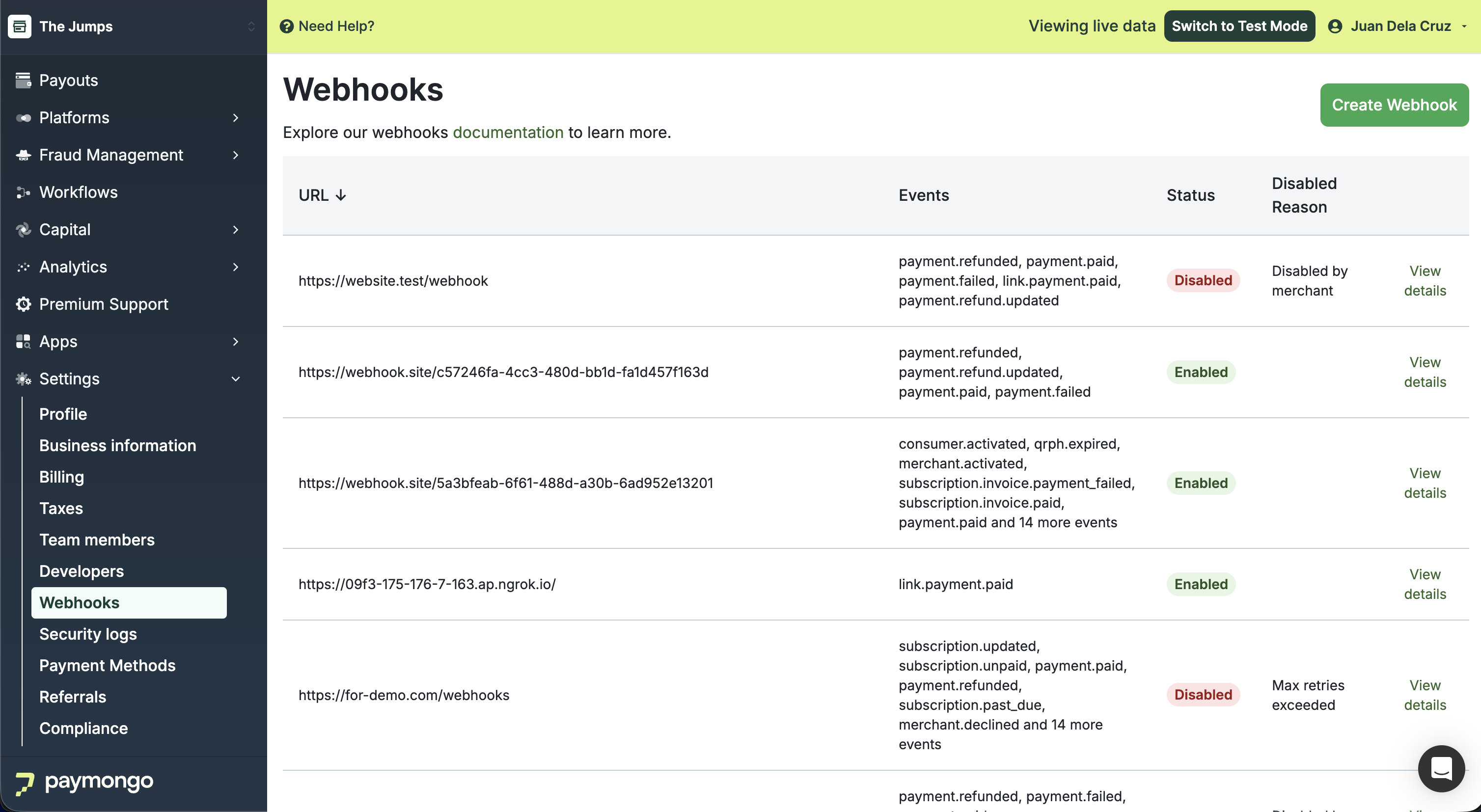
-
Once you've located the enabled webhook, click the Event Deliveries tab.
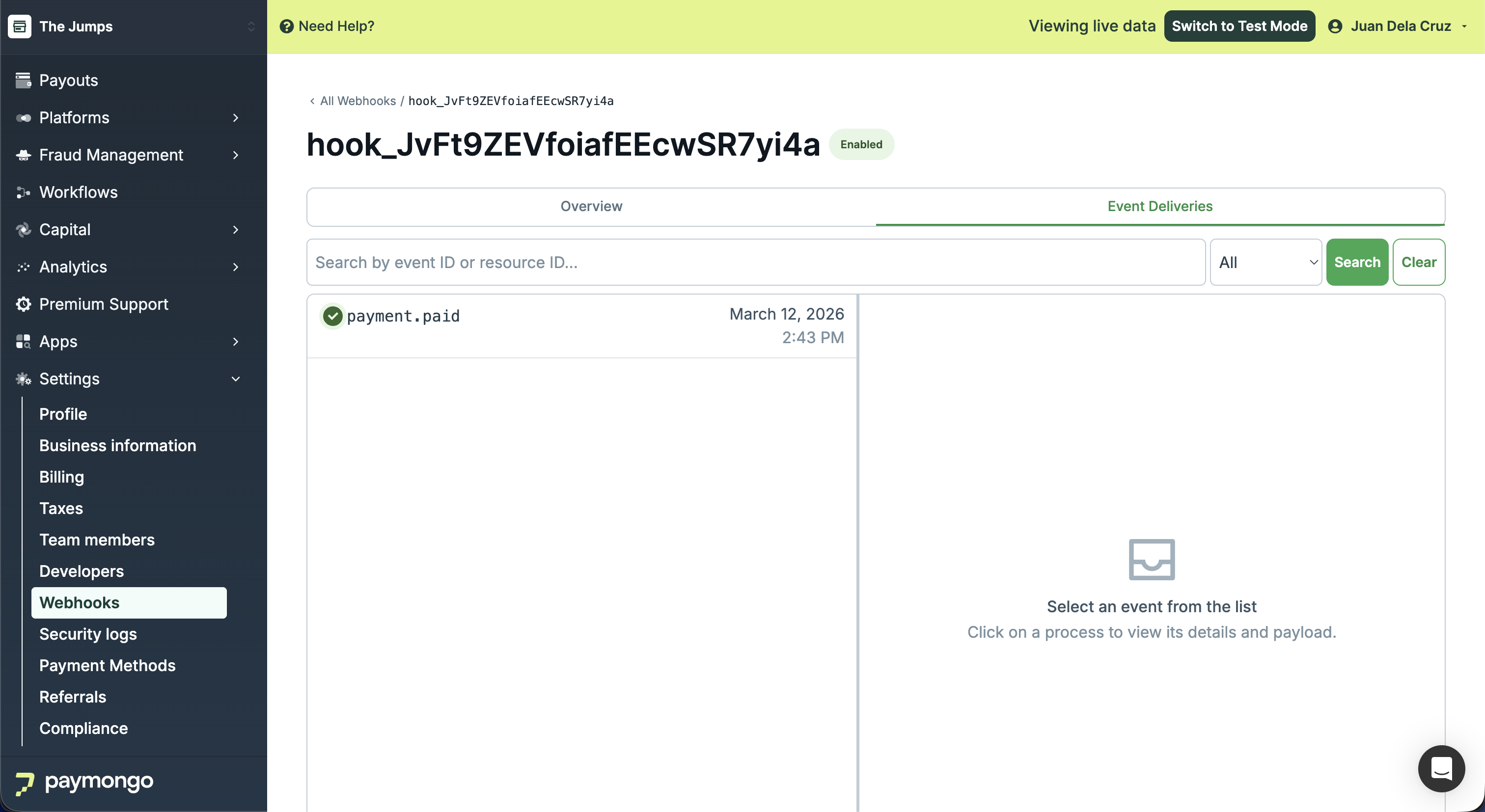
-
Search for the event you want to resend by Event ID or Resource ID. You can also filter by Status using the dropdown beside the Search button.
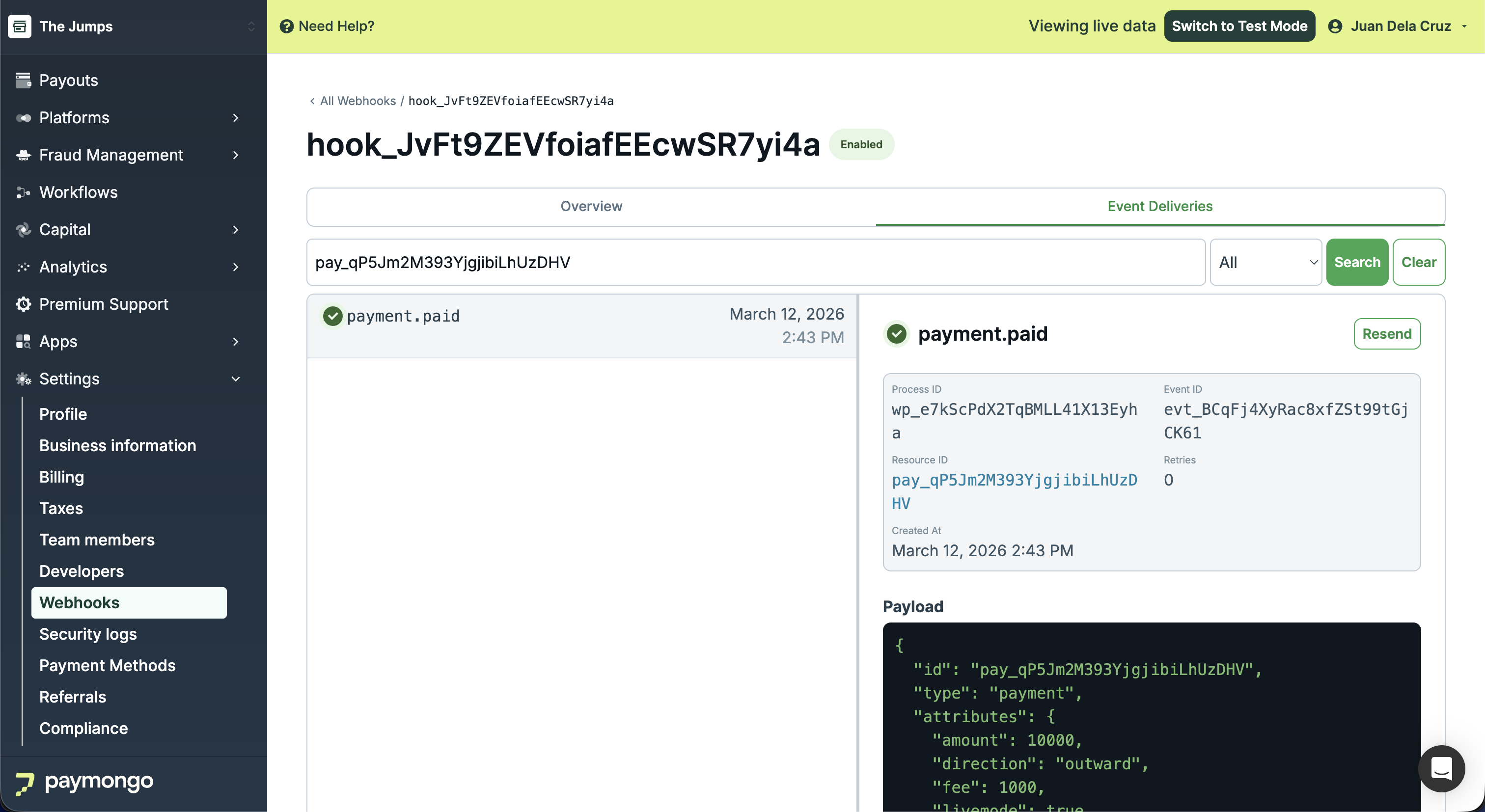
-
Click Resend to trigger a new delivery attempt. A success message confirms the event has been resent.
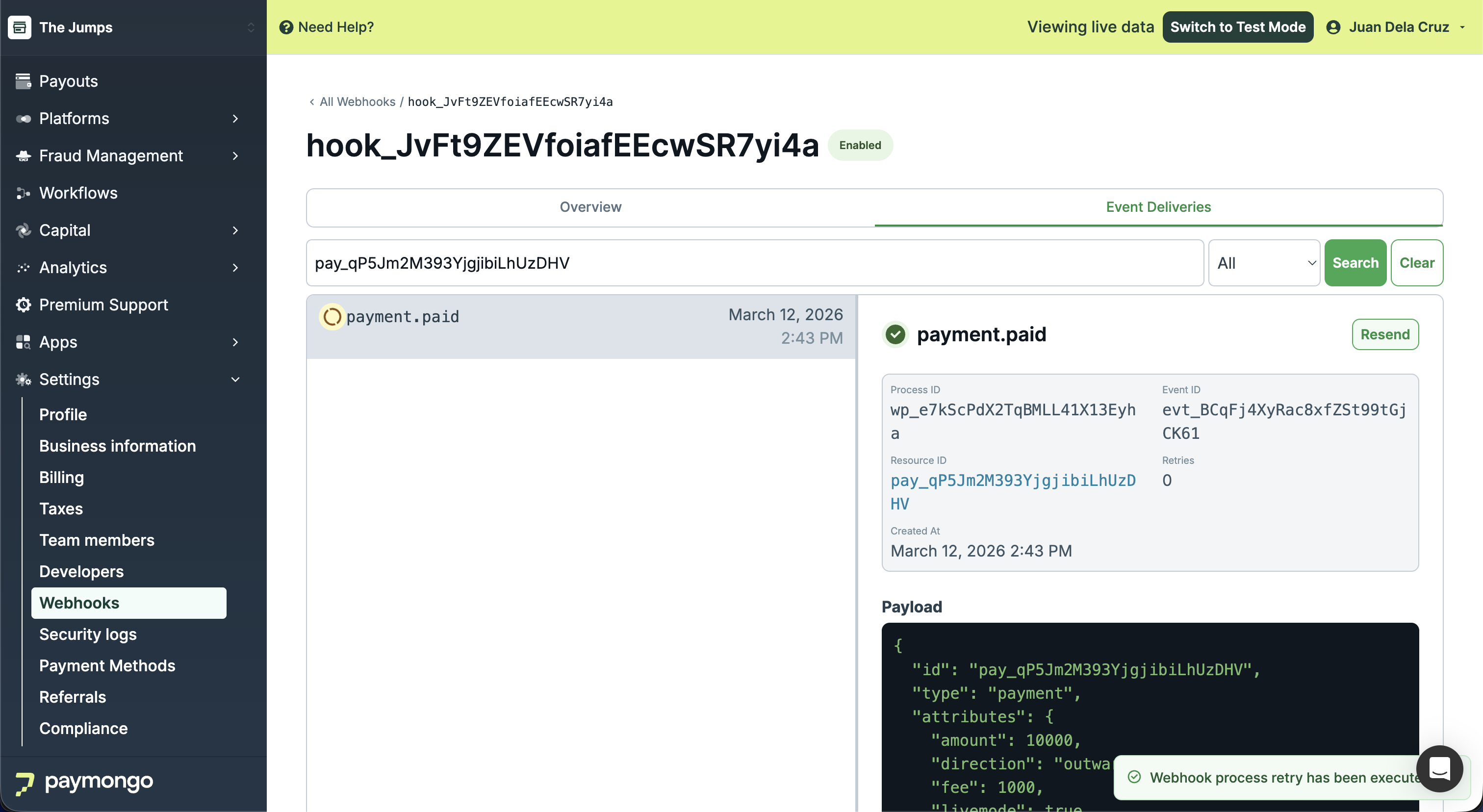
Updated about 2 months ago